How to Calculate VAT: Formulas, Examples and Shortcuts
Quick answer: to calculate VAT, multiply the net price by the VAT rate and divide by 100. To get the price including VAT, multiply the net price by (1 + rate ÷ 100). At 20%, £50 × 1.2 = £60, and the VAT is £10. Or use the VAT calculator to do it instantly.
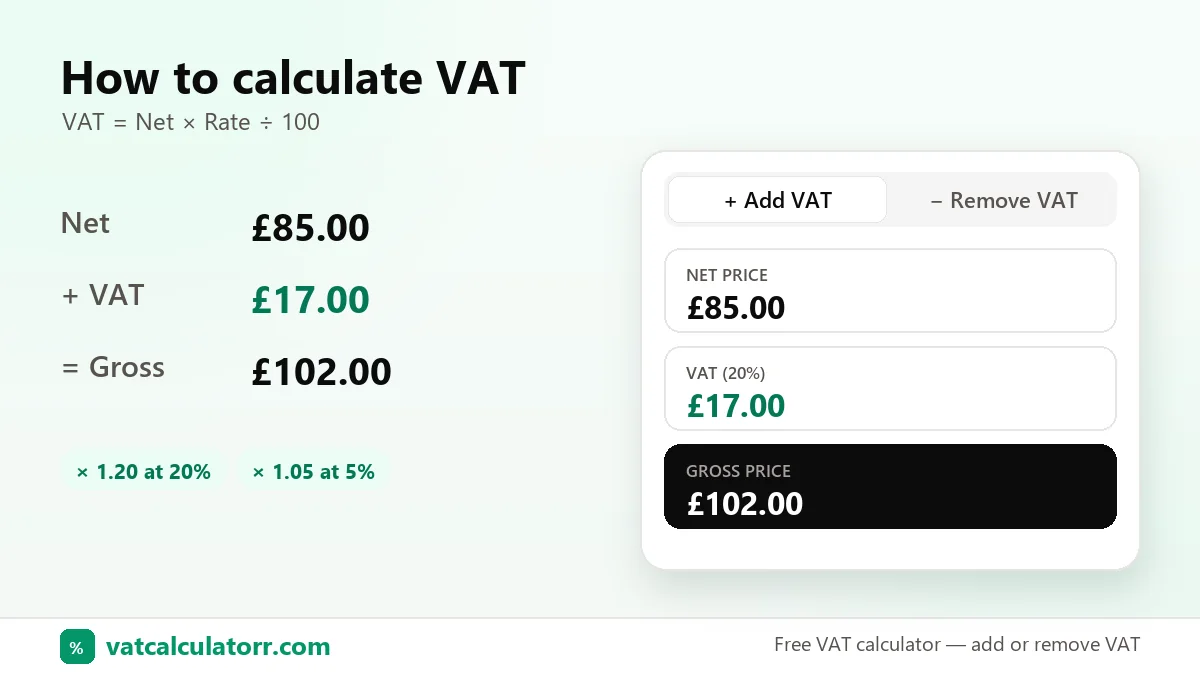
The three VAT figures
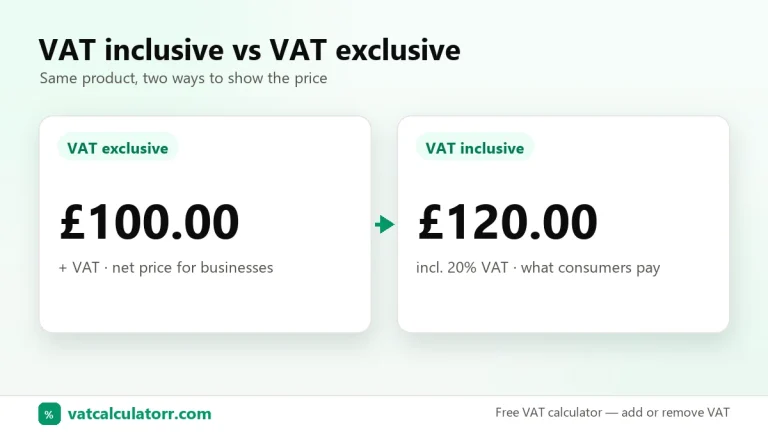
- Net price: the price before VAT (VAT exclusive).
- VAT amount: the tax itself.
- Gross price: net + VAT (VAT inclusive).
Formula 1: find the VAT amount
Example: 20% of £85 = 85 × 20 ÷ 100 = £17.
Formula 2: find the gross price
Example: £85 × 1.20 = £102.
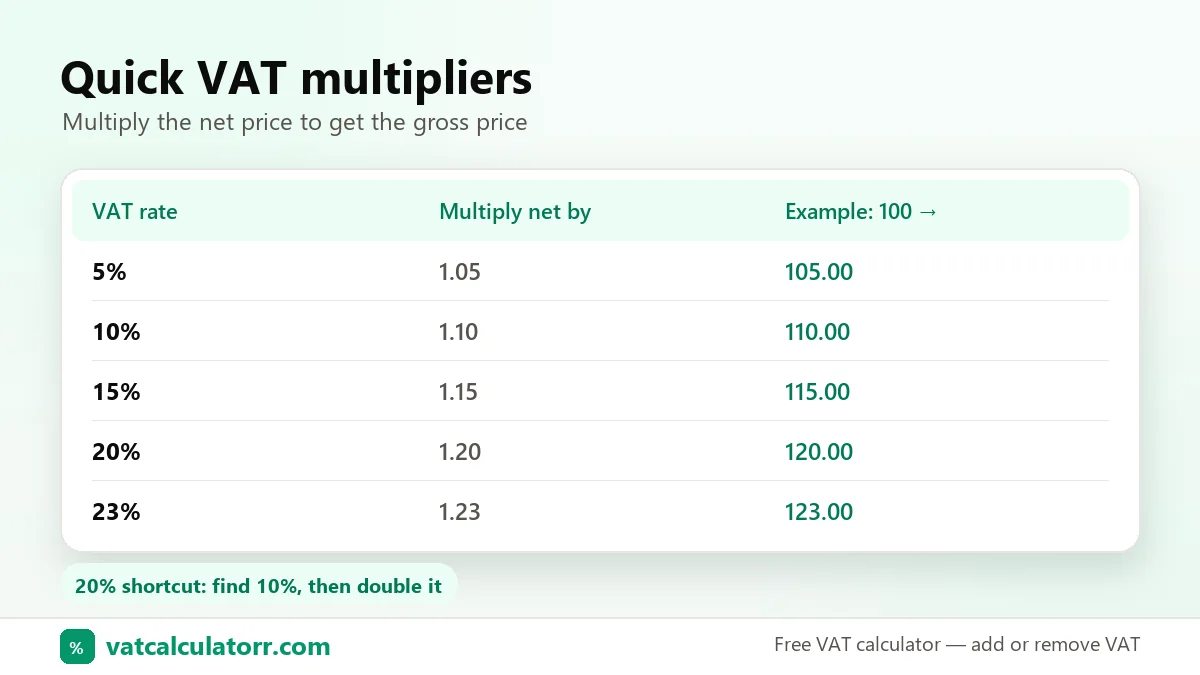
Multipliers for common rates
| Rate | Multiply net by | Used in |
|---|---|---|
| 5% | 1.05 | UAE, Oman, UK reduced rate |
| 15% | 1.15 | Saudi Arabia, South Africa, NZ GST |
| 19% | 1.19 | Germany |
| 20% | 1.20 | UK, France, Austria |
| 21% | 1.21 | Spain, Netherlands, Belgium |
| 23% | 1.23 | Ireland, Poland, Portugal |
Mental-maths shortcut for 20%
Find 10% by moving the decimal point one place left, then double it. For £340, 10% is £34, so 20% is £68 and the gross price is £408.
Rounding
Round VAT to two decimal places (the nearest penny or cent). On invoices with many lines, tax authorities usually let you round either per line or on the total. Pick one method and use it consistently.
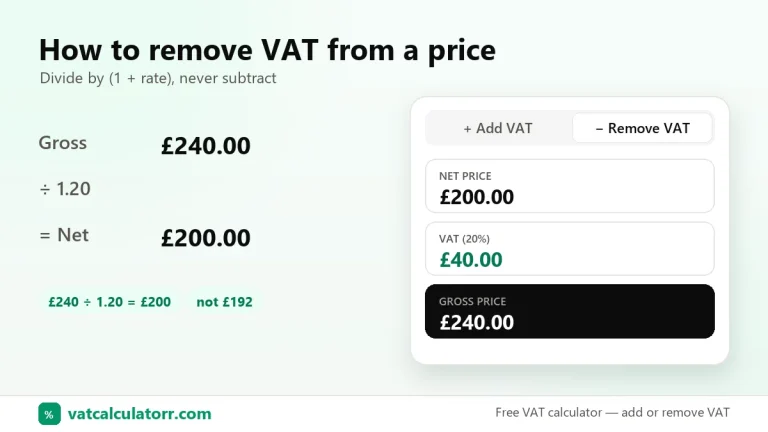
Try it now with the free VAT calculator, or learn the reverse method in how to remove VAT from a price.
Sources: Further reading: HMRC’s How VAT works and VAT rates on goods and services.